Mod Marvel Rivals in one place
With RIVALSFPS.GG, the free mod manager for Windows.

Mod Manager
Marvel Rivals mod manager: every mod in one list
Mods go in the game's ~mods folder and load only once a signature bypass is installed.
Reads your ~mods folder
Hand-installed mods are already listed. Import .pak, .utoc, .ucas, .zip, .7z or .rar files.
Names the mods that clash
Shows which enabled mods fight over the same files. You decide which one goes.
Badges the risky ones
A Flagged badge marks mods the app knows can get your account temporarily banned.
How to install Marvel Rivals mods → Mods not working after an update? →
Skin Manager
Marvel Rivals skin mods, sorted by hero
Skin mods land under their hero, with costume names read from your own game. Run as many as you like, one per costume slot.
3D preview
About 3 MB. Loading it now.
This is a real skin mod on a simple turntable.
Graphic Packs
What a Marvel Rivals graphic pack (texture pack) changes
Six colorways that swap in simpler textures, built on your PC from your own game files.
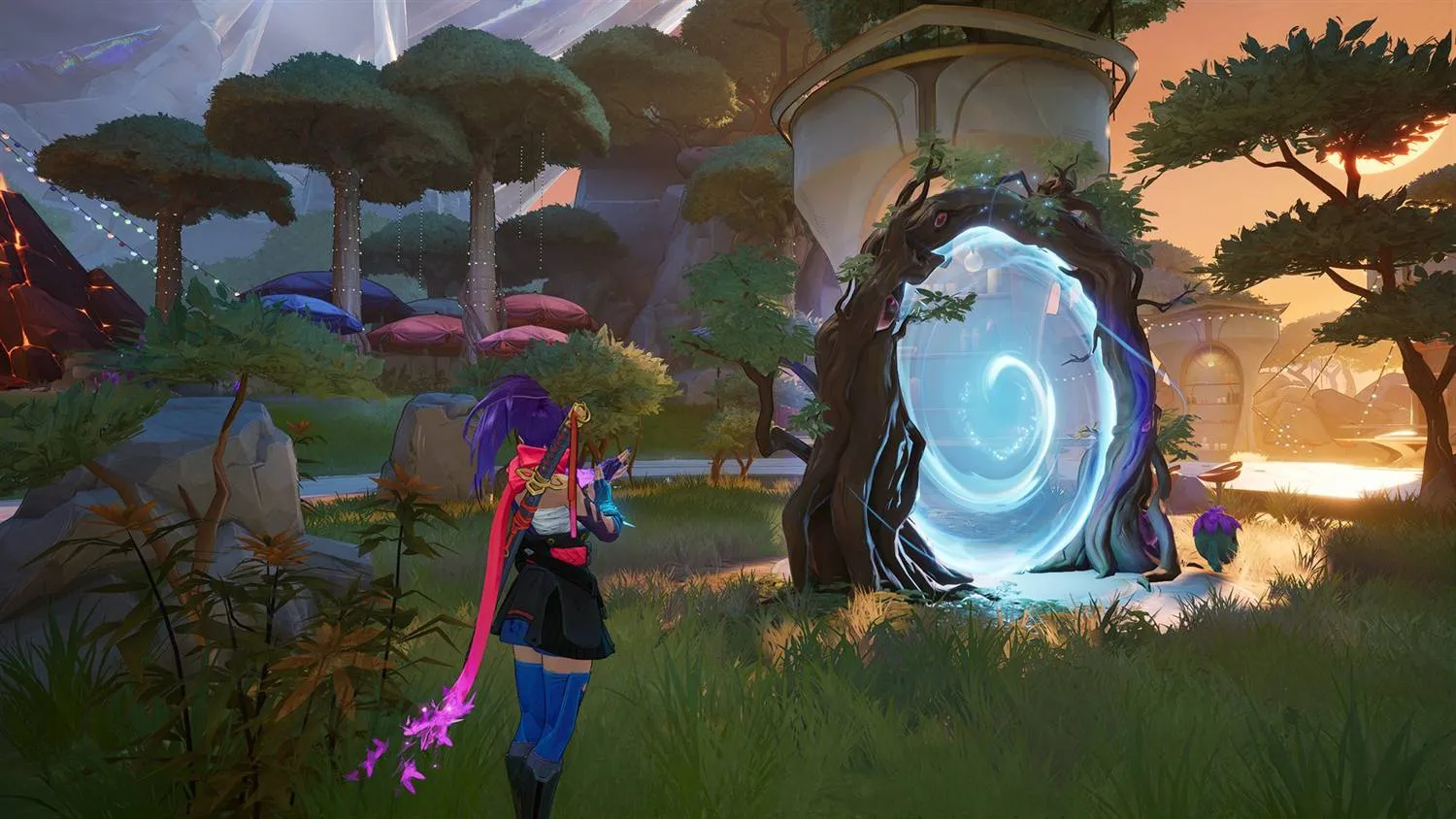
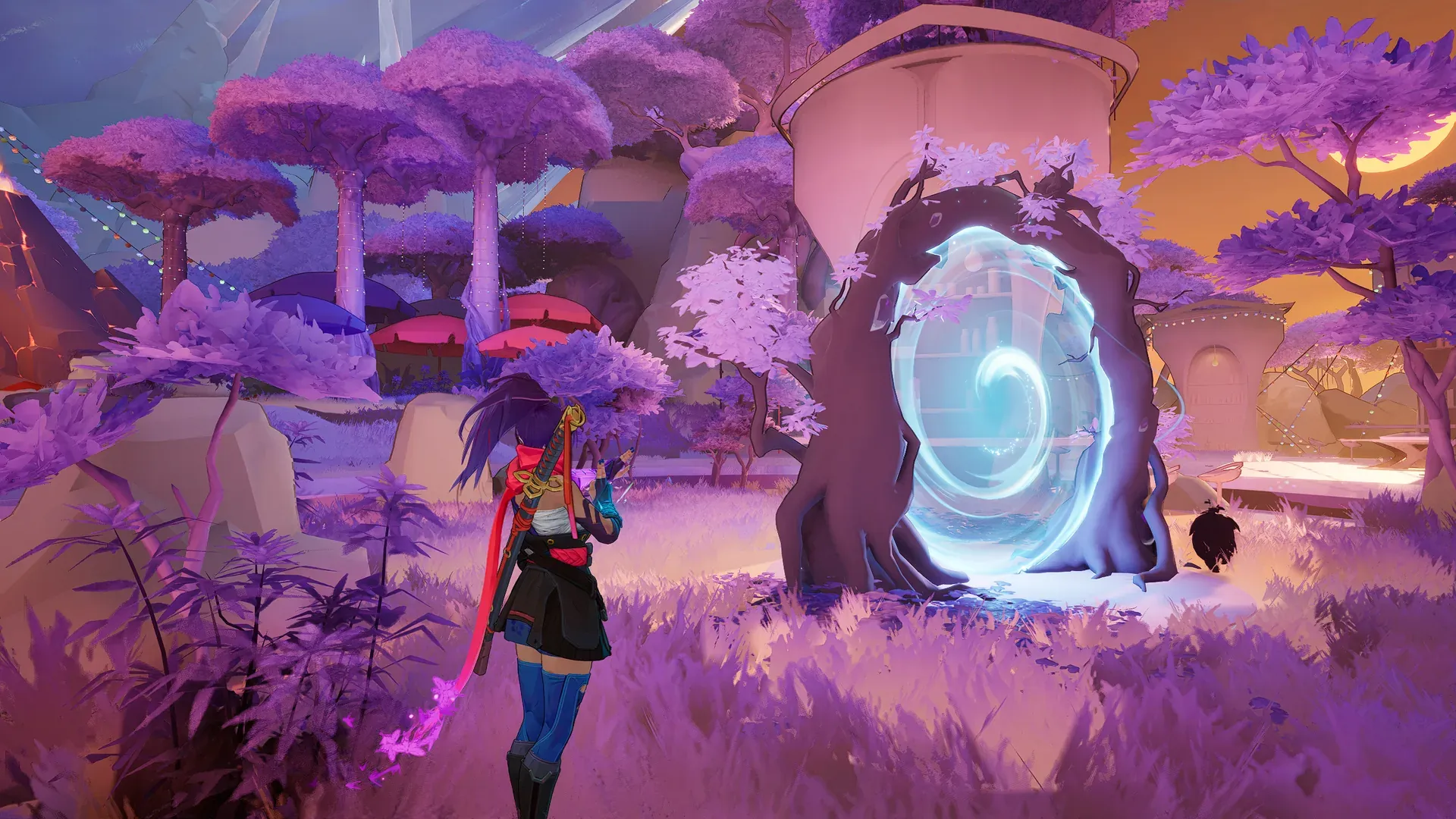
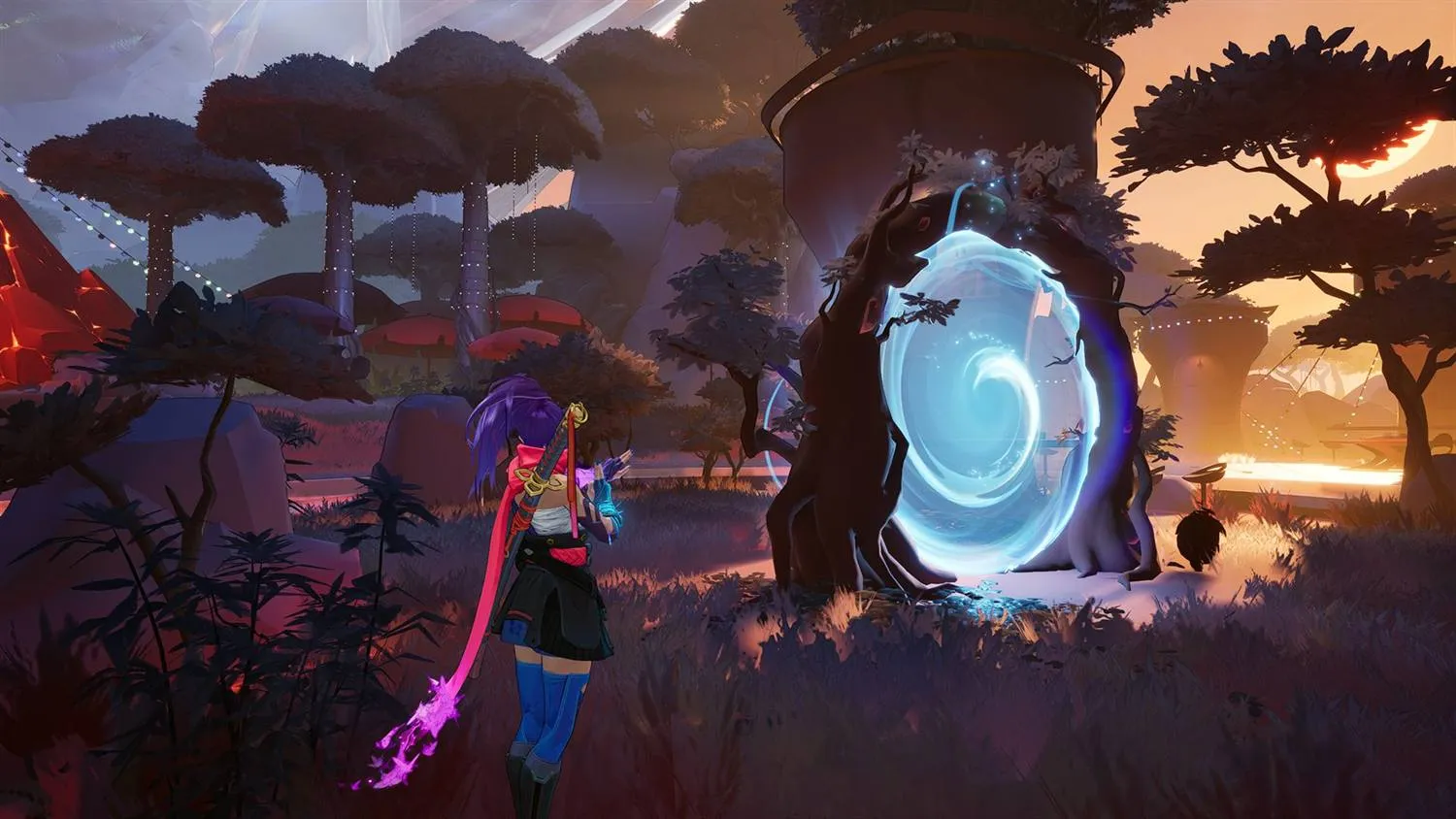
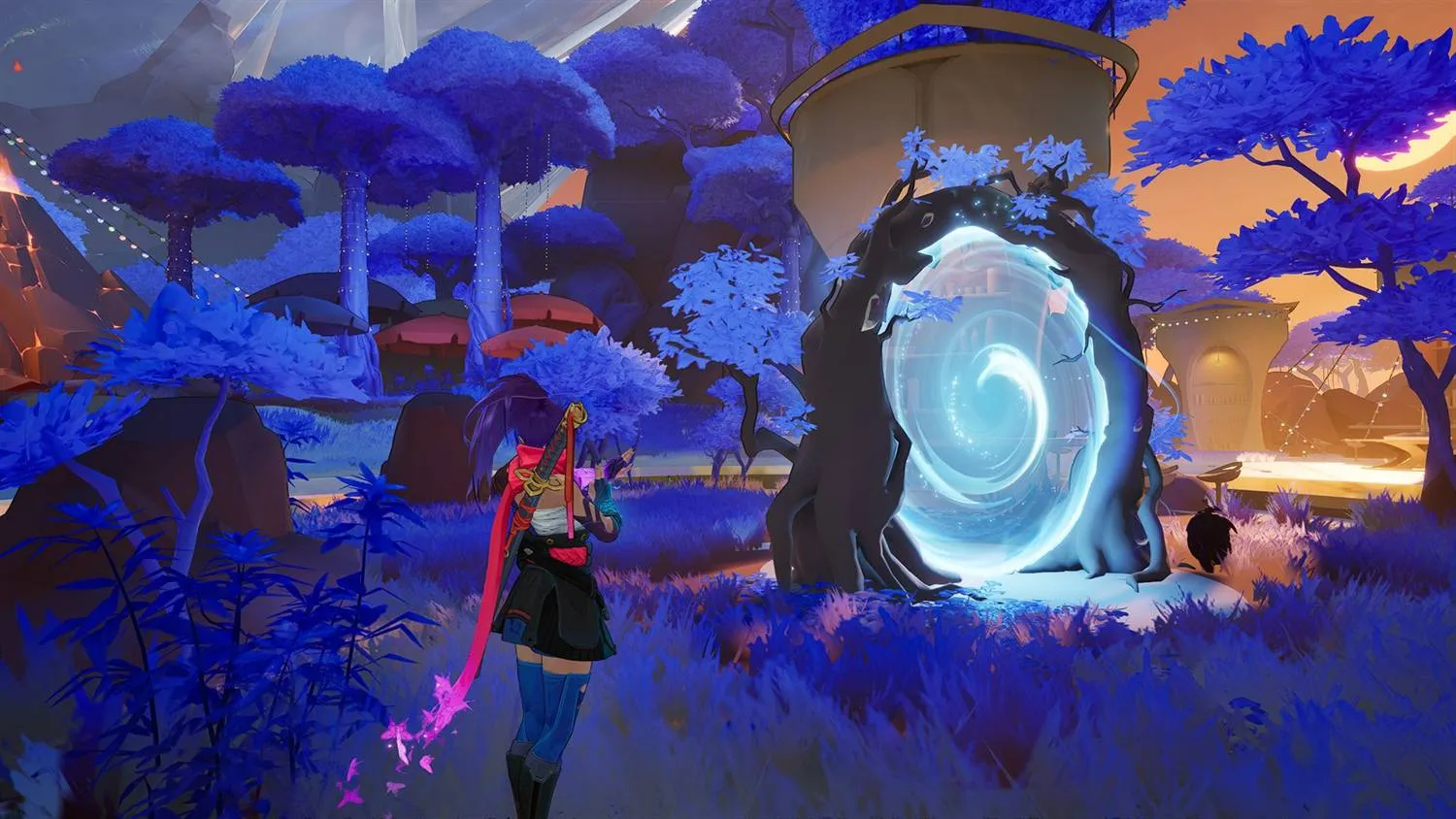
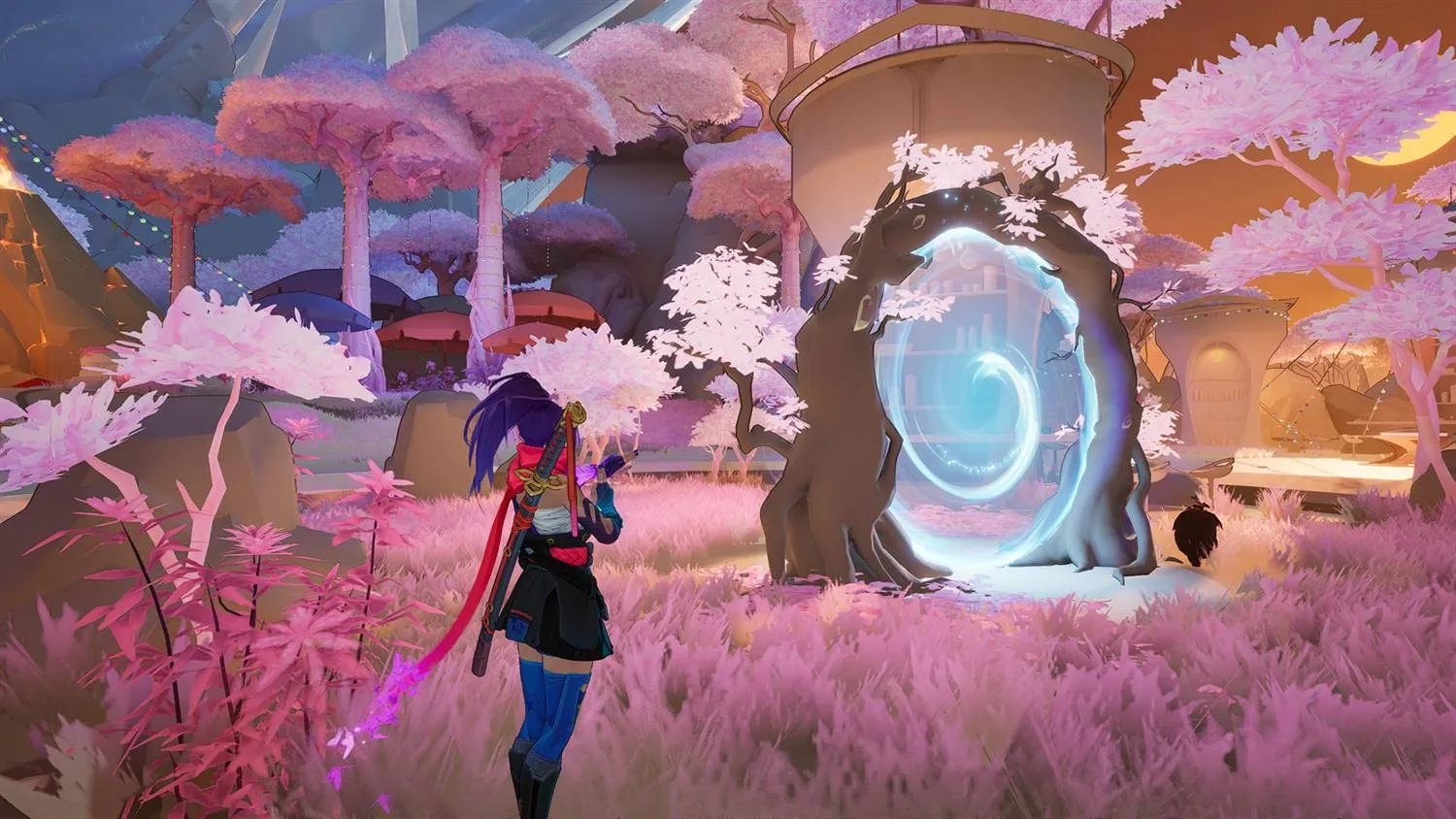
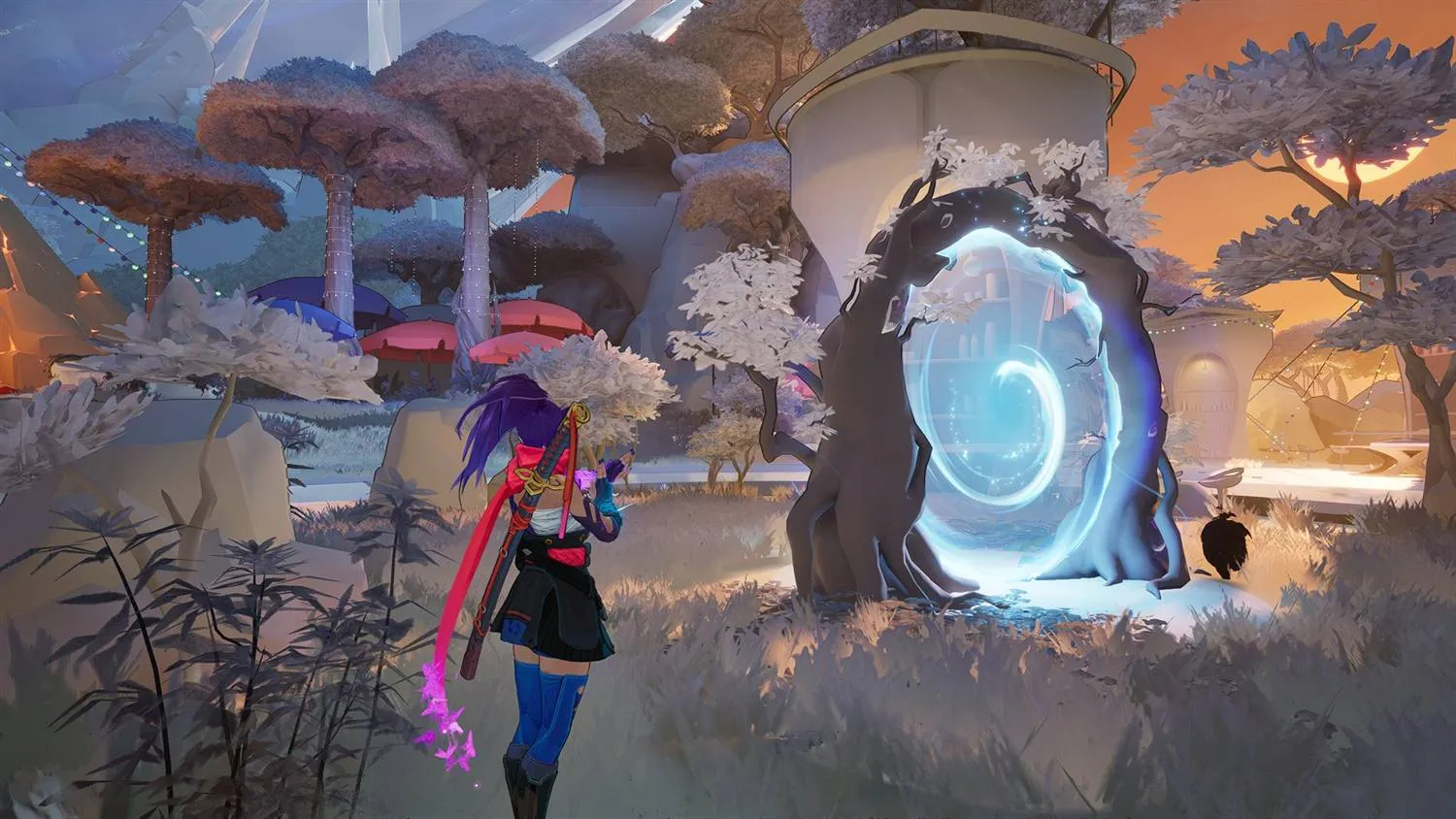
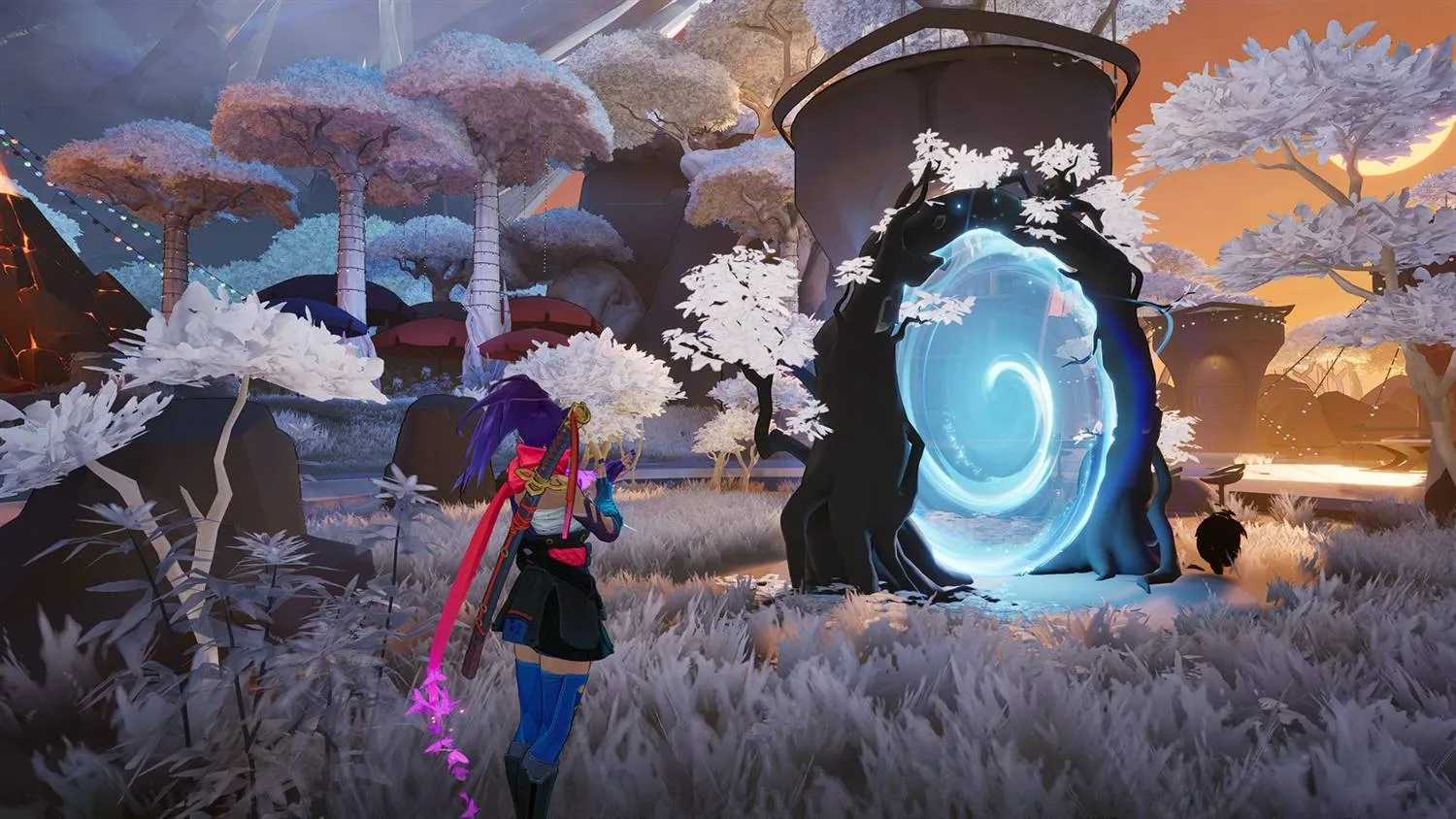 Default Amethyst Dawn
Amethyst & cream textures, made by us
Color Correction
Set the colors before you install a thing
Adjust vibrance, contrast, midtones and black level on a real game frame, using the same shader math ReShade runs in the game.
Try the color previewer How to install ReShade in Marvel Rivals
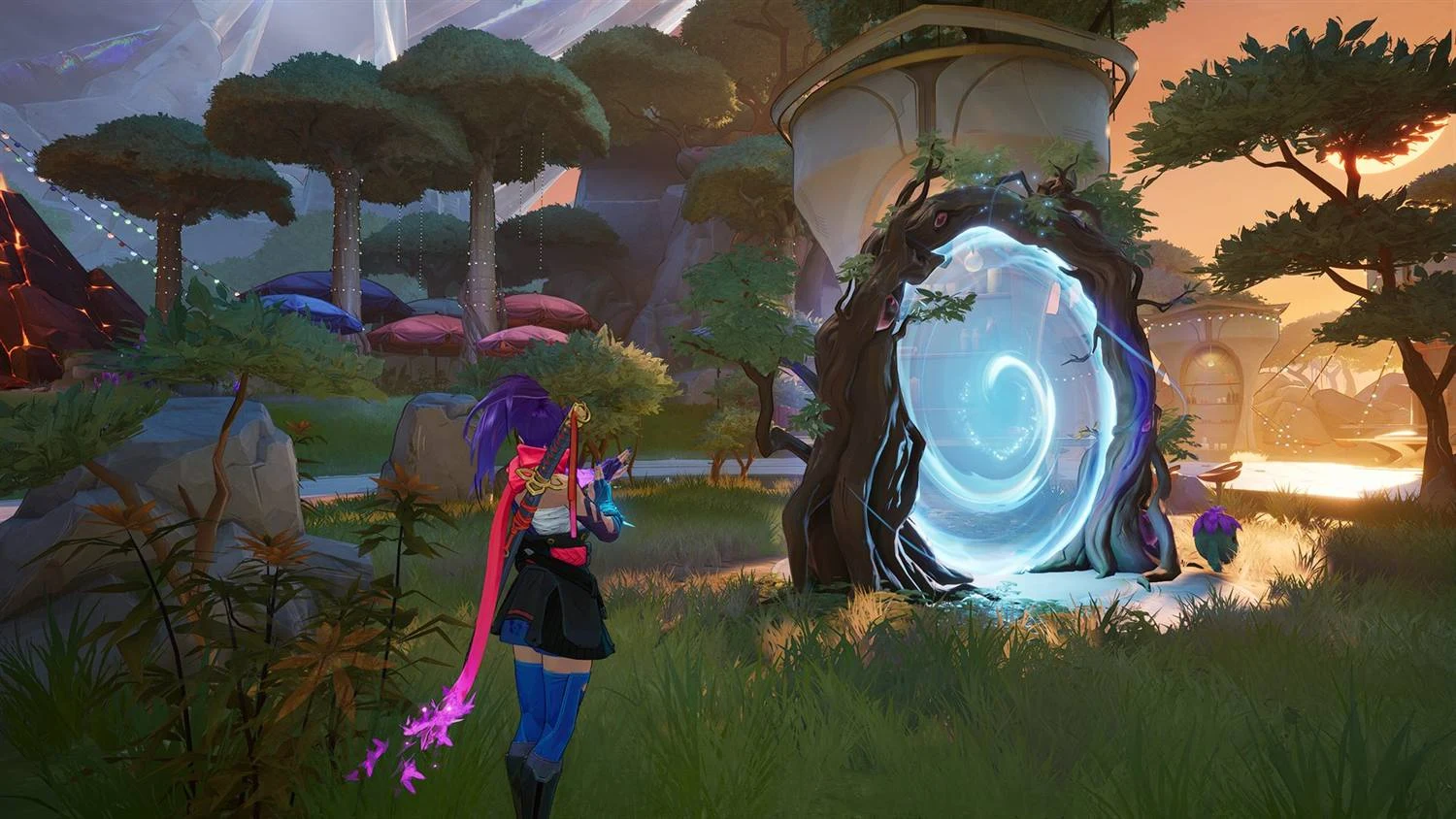 Hold to compare
Adjustments
Applied over the finished frame, in this order.
Quality Settings
Trade resolution or texture detail for frames
Lower Render Resolution works on any graphics card. Quality presets (NVIDIA only) lower texture detail through the NVIDIA driver.
Lower Render Resolution
Needs the game's Anti-Aliasing and Super Resolution Type on DLSS, TSR, FSR, or XeSS.
Three presets, NVIDIA only
All three, Ultra Potato, Potato and Standard, are NVIDIA only and need the Signature Bypass.
Only when you launch from here
Applied on Launch, reverted when the game closes. Start the game any other way and it runs without them.
Lower Render Resolution on any graphics card → Marvel Rivals potato graphics (NVIDIA only) →
Try it out now
Free for Windows 10 and 11. No account needed. Download the installer, pick your mods and packs, and launch the game from the app.
RIVALSFPS.GG is a Windows app. Open rivalsfps.gg/download on the PC you play Marvel Rivals on.
Download the Windows installer anyway (15.8 MB)Windows may show a SmartScreen warning because the app is unsigned. Click More info, then Run anyway.
Frequently asked questions
RIVALSFPS.GG is a free mod manager and launcher for Marvel Rivals on Windows 10 and 11. It manages every mod in your game folder, installs skins, builds graphic packs on your own PC, replaces hit, kill and announcer sounds, color grades the game through ReShade, and offers 14 Windows Optimizations. Its Quality tab can also trade resolution for FPS on any graphics card with Lower Render Resolution, and lower texture detail with presets that work through the NVIDIA driver, so they are NVIDIA only. It works with Steam, Epic Games and Loading Bay.
Yes. There is no price, no account and no paid tier. Donations are optional, and every feature is available without one. Download the installer only from rivalsfps.gg or the official GitHub releases page.
RIVALSFPS.GG puts mod files into your Marvel Rivals folder, keeps its own data in %APPDATA%\RivalsFPS, starts with Windows by default, registers its name and icon for Windows notifications, and changes other settings only when you use a feature. The Safety page sums up what it changes and how to undo it. For your game account nobody outside NetEase can promise anything: NetEase's published rules prohibit modifying the game client.
It is not a cheat. The app itself contains no code that reads or writes the game's memory, and it does not aim for you. It installs files, the same files you could drop in by hand; one of them, the Signature Bypass, is a plugin the game loads at startup so it will accept mod paks. Mods are still mods, though: NetEase's published rules prohibit modifying the game client, graphic packs included, so the risk is real and it is yours to take. What the app does is tell you which parts are risky and hand you the off switch. Mods the app knows can get accounts temporarily banned carry a Flagged badge with the reason and a support code, Remove it takes them out, and the same check runs again when you press Launch. Skins and graphic packs are client side, so other players see the defaults. Pressing End switches Color Correction off mid-match, and Revert All Changes in Settings undoes everything the app changed.
A required component that lets the game load mods, graphic packs, skins and sound mods. Nothing loads without it, and the Quality presets (NVIDIA only) need it too. It is built into the app, with no separate download, and because it writes into the game's Binaries\Win64 folder, Windows usually asks for permission when you install it. It writes three files there: dsound.dll (ThirteenAG's Ultimate ASI Loader), plugins\MarvelRivalsUTOCSignatureBypass.asi and the loader's license text. It is DeathChaos's work, redistributed with permission.
A tab that lists every mod in the game's ~mods folder, including ones you installed yourself. Each mod has a switch that unloads it without deleting the files, and the app reads every enabled mod's file list so it can warn you when two of them contain the same game asset, naming both the mods and the assets. Mods the app knows can get accounts temporarily banned are badged Flagged with the reason and a support code, and Remove it takes them out. You can import .pak, .utoc, .ucas, .zip, .7z or .rar files or drop files on the window, search and filter, rename, and delete a mod outright when you want it gone. An add-on made for another mod is labeled Add-on rather than a conflict, with Load first when its base covers it, and when a game update changes how mods are packaged, Fix Mods for Game Update in the Tools menu repackages the ones it stopped loading.
Guides
Marvel Rivals guides
Help with Marvel Rivals mods, skins, graphics and settings.