Color Correction
Color correction for Marvel Rivals
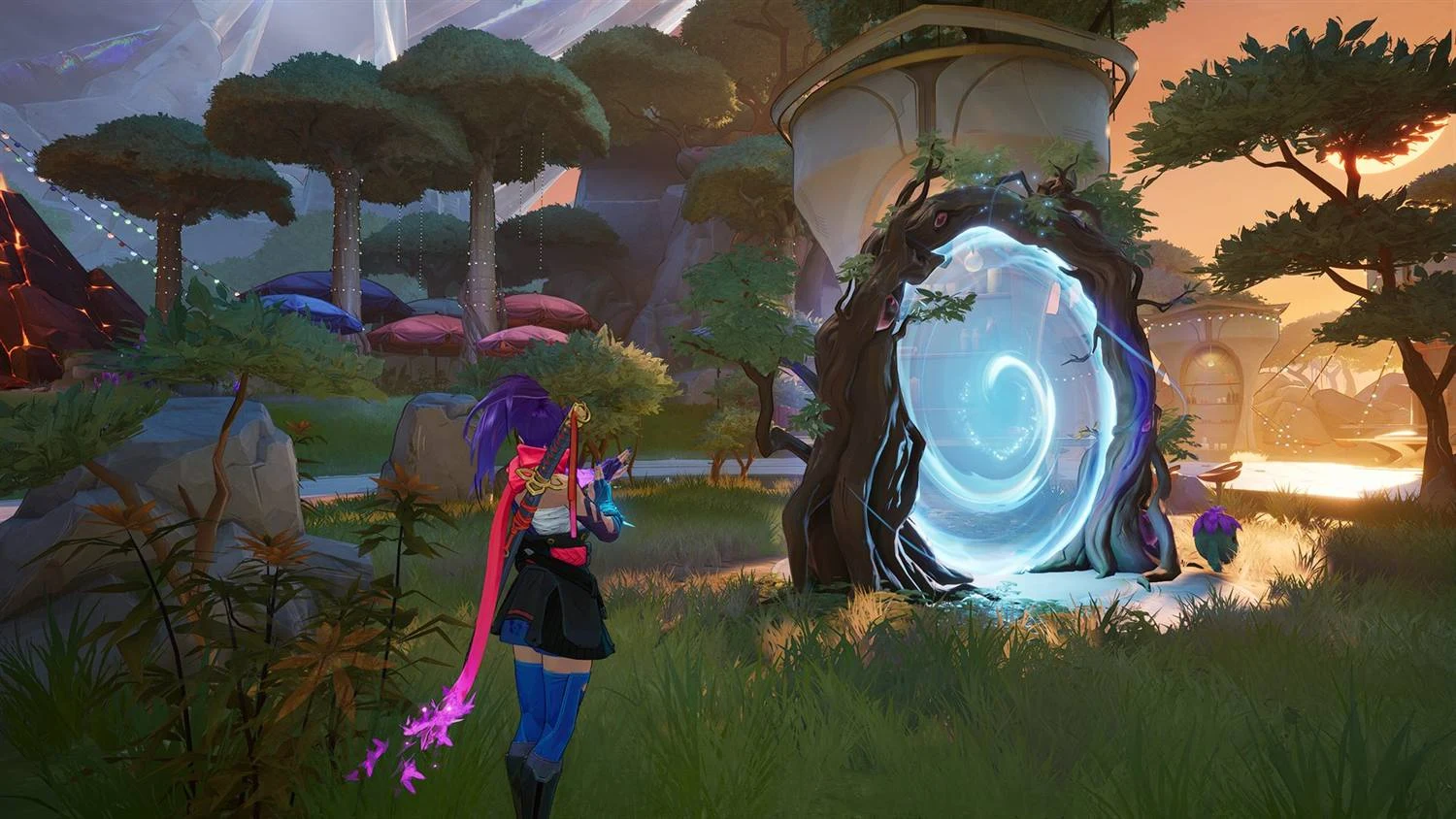
Vibrance, contrast, midtones and black level, applied over the finished frame by ReShade. Try them below on a real game frame.
 Hold to compare
Adjustments
Applied over the finished frame, in this order.
The controls
Four sliders and what each one does
The panel grades the preview itself, so all four work without ReShade installed.
- Vibrance -1.00 to 1.00
- Pushes color away from gray, more on muted colors than on already saturated ones, so a sky gains color without every face going orange. Negative values pull toward gray.
- Contrast -0.50 to 0.50
- Pushes the darks and the lights apart around mid-gray. Negative values flatten them together.
- Midtones 0.50 to 2.00
- A gamma curve that moves the mid-tones without touching pure black or pure white. 1.00 is neutral.
- Black level 0.00 to 0.25
- Raises the floor without touching white, so the darkest parts of the frame are no longer pure black.
They apply in a fixed order: black level, contrast, midtones, then vibrance.
Presets
Four starting points, not four modes
Choose one and the sliders jump to its values. Move a slider afterwards and the values are your own.
Default
Everything neutral
The frame exactly as the game hands it over.
Soft
Vibrance 0.20 · Contrast 0.03 · Midtones 1.03
A nudge. Colors separate slightly and nothing else changes.
Vivid
Vibrance 0.45 · Contrast 0.07
Stronger color, a little more bite.
Bold
Vibrance 0.75 · Contrast 0.12 · Midtones 0.97 · Black level 0.01
Heavy handed on purpose, with the shadows lifted a touch so the added contrast does not crush them.
Reset lands on Vibrance 0.35 with everything else neutral, so switching the feature on visibly does something.
Vibrance
How to make Marvel Rivals look more vibrant
Start with Vibrance in the preview above, then add Contrast, or choose Vivid (Vibrance 0.45, Contrast 0.07) as a starting point. Set the same values in the app's Color Correction tab and they apply in the game once ReShade is installed and Color Correction is on.
Vibrance balance
One weight per channel
Under the sliders, Vibrance balance splits the vibrance boost across red, green and blue, each from 0.00 to 2.00 and 1.00 by default. A channel at zero keeps its color, so you can lift the blues without the reds.
Installing ReShade
Bring your own ReShade, the app does the rest
ReShade is crosire's free, open-source project, and the app never bundles or hosts it. Its Download button opens reshade.me, Install it for me runs the setup pointed at Marvel Rivals, and Activate writes one ReShade.ini into the game folder.
How to install ReShade in Marvel Rivals, with fixes for when it does not load.
Honest limits
What the app does, and what it does not claim
What the app does
It links crosire's installer at reshade.me and never hosts ReShade. Switching it on writes one file in the game folder, ReShade.ini.
What is not being claimed
This page makes no promise about how NetEase or the game treats ReShade. NetEase's published rules put third-party visual modification in the prohibited category.
How to stop it
Press End in game to switch the effect off. Switch Color Correction off in the app and ReShade does not load at all. Remove ReShade takes its files off your disk.
Questions
Common questions
Do I need ReShade installed to use the preview?
No. The preview on this page and the one in the app both draw the effect themselves. Nothing is downloaded, no game file is read, and you can decide whether you want the look before you install anything.
Does RIVALSFPS.GG include ReShade?
No. ReShade is crosire's work, free and open source, and the app never bundles or hosts it. The Download button opens crosire's own installer at reshade.me, and reshade.me asks that people be linked to the site rather than handed the binaries, which is exactly what the app does.
What is the best ReShade preset for Marvel Rivals?
There is no single best one: the four presets are starting points rather than modes. Soft is a nudge, Vivid gives stronger color with a little more bite, Bold is heavy on purpose with the shadows lifted a touch, and Default is the untouched frame. Choose one in the preview above, then move a slider and the values become your own.
Does color correction cost frames?
It adds one full-screen pass after the game has finished drawing the frame. That is small next to everything the game already drew, but it is not nothing, and what it costs depends on your GPU and your resolution. If frames are what you are after, look at Graphic Pack Settings instead. Lights: Reduced, one of its settings, turns off placed lamps and accent lights. About 7% more FPS in testing.
Does Marvel Rivals allow ReShade?
NetEase's published rules prohibit modifying the game client, and RIVALSFPS.GG cannot tell you how the game treats ReShade. ReShade is a separate program by crosire, installed from reshade.me; the app never bundles or hosts it. Pressing End switches the effect off mid-match, and switching Color Correction off stops ReShade loading at all.